How to Reduce Status Meetings With Task Based Visibility

Fluorine
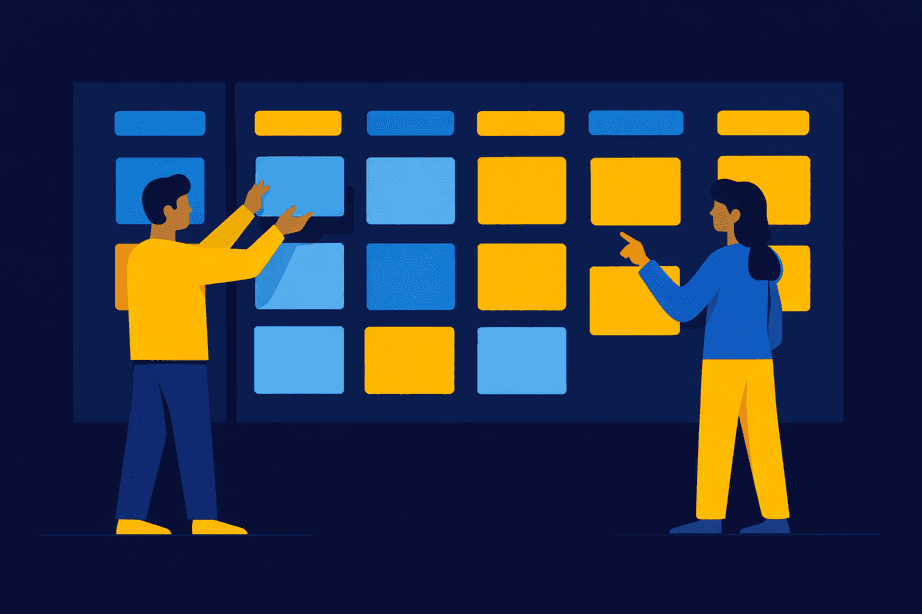
Modern teams are increasingly rethinking the value of status meetings as they strive for reducing status meetings and boosting team productivity. Recent research shows that in 2024, 67% of companies introduced new asynchronous communication or project management tools specifically to improve information flow and enable more flexible work schedules (speakwiseapp.com). This shift is further accelerated by a growing adoption of hybrid meeting models—by 2025, 70% of companies are expected to balance in-person and virtual interactions to increase flexibility (market.biz).
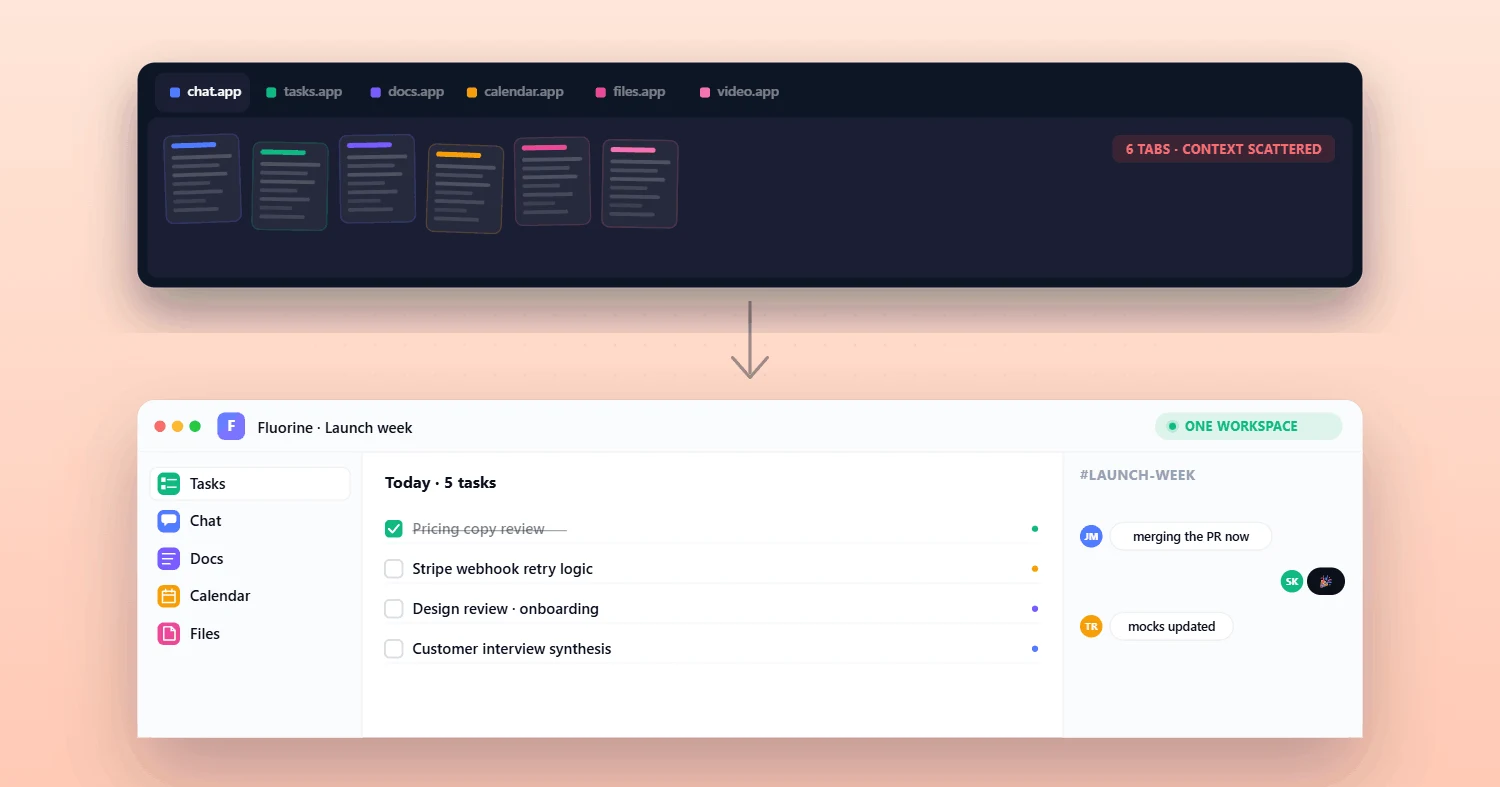
As organizations look to cut down on wasted hours, they’re discovering that platforms like Fluorine’s all-in-one workspace provide a path to task-based visibility. By helping teams see progress in real time, tools like these reduce the need for constant check-ins and create a more focused, productive environment.
Task-based visibility is an approach to reducing status meetings by sharing progress through live tasks, owners, and comments instead of live check-ins.
Why status meetings break down: Common pain points for startup teams and growing teams.
Principles that replace recurring check-ins: Keep work visible, connect conversations to tasks, and make ownership obvious.
A simple workflow to switch: Set up a shared workspace, assign tasks, and rely on comments, dashboards, and lightweight reviews.
Mistakes to avoid: Overcomplicating boards and losing clarity around ownership.
How to roll it out: Introduce norms collaboratively, pilot with one team, then refine.
This is for startup teams and small, fast-moving groups that want clearer ownership and fewer interruptions without adding heavy process. It’s a fit when updates can be shared async, but you still need a single place to see progress, blockers, and next steps.
Why Status Meetings Become a Real Pain Point for Startup Teams
Status meetings, once a staple of team alignment, have become a frequent source of frustration for startups and growing teams. These meetings often interrupt deep work and force everyone into the same room—virtual or physical—regardless of whether updates could be shared in a more efficient way.
64% of employees feel that meetings take time away from deep thinking (joingenius.com).
More than 70% of senior executives say meetings are unproductive and inefficient (fellow.app).
For many teams, this pain is compounded by time lost: organizations lose 24 billion hours to inefficient meetings each year (joingenius.com). This means startup founders and operators are not only juggling multiple tools, but also dealing with missed handoffs and confused ownership—all while critical work gets delayed.
50% of employees consider meetings wasted time, impacting engagement (wellable.co).
Fluorine’s all-in-one workspace is designed to solve these challenges by putting all tasks, conversations, and updates in one place, letting teams reclaim their focus.
Core Principles for Replacing Recurring Status Meetings With Task-Based Visibility
Effective task-based visibility doesn’t require complex frameworks or heavy enterprise processes. Instead, it’s built on a few clear principles that work for fast-moving teams:
Keep work visible: Use a single source of truth where every team member can see progress, blockers, and next steps.
Connect conversations to tasks: Ensure discussions and decisions are attached directly to the items they impact.
Make ownership obvious: Assign clear responsibility for every task and update.
Teams that implement these simple rules have reported a 40–60% reduction in meeting time (abloomify.com).
As Peter Drucker famously said, "Meetings are a symptom of bad organization. The fewer meetings the better" (consultantsmind.com).
Asynchronous communication promises flexibility and reduced interruption, but without clear norms around response windows, it can create worse anxiety than synchronous alternatives where resolution happens immediately (speakwiseapp.com).
Fluorine combines tasks and communication in a single view, making it easy for startups to adopt these principles and keep everyone on the same page—without adding more meetings.
A Simple Workflow for Status Meetings That Fits Fast Teams
A practical workflow helps teams move from status meetings to visible progress without disruption. Here’s how you can do it:
Set up a shared workspace: Choose a tool that centralizes tasks, discussions, and updates for all team members.
Create and assign tasks: Make sure each task has an owner, a deadline, and a clear description.
Use comments and channels: Attach conversations, blockers, and quick updates directly to tasks, so nothing gets lost in chat threads.
Automate status updates: Use built-in dashboards and integrations to keep information flowing without manual reporting.
Review and adapt: Pilot the workflow with one project or team, gather feedback, and refine the process.
Organizations using AI-driven collaboration tools report a 35% reduction in redundant work (converzation.com).
Engineering teams using asynchronous daily standups saved an average of 4.2 hours per week previously lost to poorly coordinated meetings (ainvest.com).
For more on organizing tasks and communication, see our guide to task comments that work.
What an Async Status Update Looks Like in Practice
If you’re replacing a recurring status meeting, the written update should stay tied to the work itself—so people can scan it quickly and click into the task when they need context.
What changed since the last update: The specific tasks that moved forward.
What’s next: The next step and who owns it.
Blockers: What’s stuck and what kind of help is needed.
Timing: Any deadline shifts or dependencies that affect the plan.
When this information lives inside the same workspace as your tasks and comments, the “status” becomes something people can verify instead of something they have to ask for in another meeting.
Common Mistakes With Status Meetings and How to Avoid Them
Why do teams still struggle with status meetings, even as tools evolve? It’s a common question as teams attempt to modernize their workflows.
Many organizations overcomplicate their systems—by adding too many boards, channels, or custom fields—and lose sight of ownership and clarity. Small fixes, such as simplifying task structures and assigning clear responsibility, can have a big impact.
Employees spend an average of 31 hours per month in unproductive meetings (joingenius.com).
When status systems are poorly structured, they also create “task masking,” where employees appear busy without delivering real results (atlassian.com).
For practical tips on keeping priorities clean, check out our backlog grooming guide for startups.
Rolling Out Better Status Meeting Norms With Your Team
Too often, attempts to cut meetings feel top-down or disruptive. The key is to roll out new norms collaboratively, making the process transparent and supportive.
Start with a short kickoff message, hold a quick working session to introduce the new workflow, and schedule a follow-up review after a few weeks.
Manager engagement is the key to reversing declining productivity, improving employee wellbeing and unlocking trillions in economic potential (gallup.com).
Teams with high engagement levels deliver 18% higher productivity and 23% higher profitability (yomly.com).
Try piloting these changes inside Fluorine—starting with one project or team—and adjust as your team learns what works best.
If you want a simple place to start, set up one shared project and test the workflow on a small team first; you can compare Fluorine plans when you’re ready to expand.
Frequently Asked Questions
What does “task-based visibility” mean?
It means sharing status through the work itself—tasks with owners, deadlines, and updates—so people can see progress and blockers without needing a live check-in. In practice, task-based visibility works best when your discussions and decisions live next to the tasks they affect.
How do we reduce status meetings without losing alignment?
Keep work visible in one place, attach discussions to the relevant tasks, and assign clear ownership so updates don’t rely on memory. It also helps to set asynchronous communication norms (like response windows) so people know when to check in and when to wait.
What should an async status update include?
A short list of what changed, what’s next, what’s blocked, and any timing shifts is usually enough. The goal is to make it easy for someone to scan the update and click into the task for details when needed.
When should we still hold a live status meeting?
If the team needs to make a real-time decision, resolve a blocker that’s stuck, or align on a plan that isn’t clear in writing yet, a short live discussion can be more efficient. The difference is that the meeting should move the work forward—not repeat information that already exists in the task list.
What’s the easiest way to roll this out with a startup team?
Pilot the workflow with one project, ask for feedback, and refine the process after a few weeks. That keeps the change manageable while your team settles on the right level of structure.
References
abloomify.com. (2024). Top platforms reduce status meeting overload. https://www.abloomify.com/blog/top-platforms-reduce-status-meeting-overload
ainvest.com. (2025). Communication efficiency: Competitive advantage asynchronous written communication drives investment outcomes. https://www.ainvest.com/news/communication-efficiency-competitive-advantage-asynchronous-written-communication-drives-investment-outcomes-2601
atlassian.com. (2024). The hidden cost of productivity: Task masking. https://www.atlassian.com/blog/productivity/task-masking
converzation.com. (2025). Collaboration statistics: How AI-driven tools change teamwork. https://converzation.com/article/statistics/collaboration-statistics
consultantsmind.com. (2016). Peter Drucker on time and meetings. https://www.consultantsmind.com/2016/06/09/peter-drucker-time
fellow.app. (2025). Meeting statistics: The future of meetings report. https://fellow.app/blog/meeting-statistics-the-future-of-meetings-report
gallup.com. (2025). State of the global workplace. https://www.gallup.com/workplace/349484/state-of-the-global-workplace.aspx
joingenius.com. (2025). Meeting statistics: The true cost of meetings. https://joingenius.com/statistics/meeting-statistics
market.biz. (2025). Meeting statistics: Hybrid models take over. https://market.biz/meeting-statistics
speakwiseapp.com. (2024). Remote work communication statistics. https://speakwiseapp.com/blog/remote-work-communication-statistics
wellable.co. (2024). Employee engagement statistics you should know. https://www.wellable.co/blog/employee-engagement-statistics-you-should-know
yomly.com. (2025). Employee engagement statistics. https://www.yomly.com/employee-engagement-statistics
Related topics
You may also like
Discover more articles that expand on similar ideas and themes
Stop switching tabs. Start actually shipping.
Fluorine replaces the stack your team already pays for. Add AI that does the work no one has time for. Start your free trial today.