What An All In One Task Management And Team Communication Platform Should Do For Your Team

Fluorine
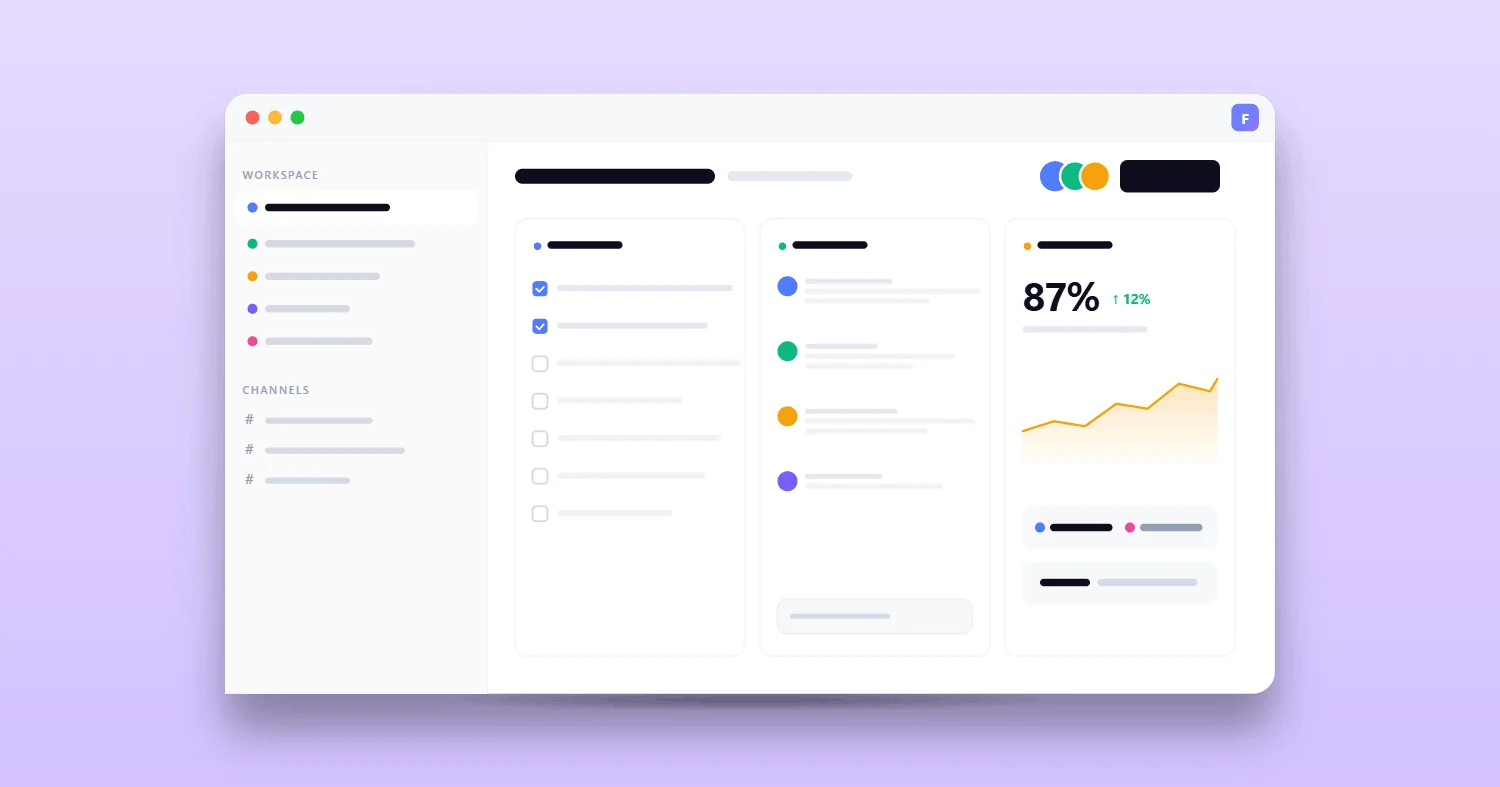
For startups and small teams, the promise of an all-in-one task management and team communication platform seems like a silver bullet. Teams often find themselves juggling Slack, project management apps, spreadsheets, and feedback tools—leading to scattered priorities and lost productivity. The core problem is not just about missing features but about reducing the friction and fragmentation that slow teams down.
The right solution goes beyond a checklist; it must truly unify the way your team works, communicates, and delivers results in a unified workspace. In this article, we’ll break down what an all-in-one platform should really deliver, how to evaluate your options, and where Fluorine fits for fast-moving teams.
Why “All-in-One” Platforms Fail in the Real World
Despite their promise, many “all-in-one” platforms end up being too complex or fragmented—often falling short of adoption goals. Forrester predicts that by 2025, 50% of enterprises will move away from individual best-of-breed tools in favor of unified platforms, due to challenges like tool sprawl and increased overhead (rommelporras.com). Similarly, 52% of organizations report experiencing tool overload and complexity, causing inefficiencies and frustration (koncisesolutions.com).
"Unified workspaces are not just about having all your tools in one place – it’s about making these tools work together," as cited in Cynoia.com’s blog. This highlights why integration and usability matter just as much as the breadth of features.
A true centralized workspace for tasks and communication should simplify your operations, not add another layer of confusion. Organizations averaging over 10 tools per team face increased costs and reduced efficiency.
Too Broad, Too Complex, Low Adoption
Many platforms promise a comprehensive feature set but deliver a steep learning curve and overwhelming interfaces, and nearly 74% of UK businesses report relying on multiple vendors, which leads to even more complexity.
Adding more tools doesn’t always mean better productivity.
For most teams, the key is a platform that’s powerful yet approachable—offering flexibility without overwhelming users with complexity.
Communication and Execution Remain Separated
It’s a common frustration: even after investing in a so-called team communication platform, teams still toggle between chat apps, task lists, and email to get work done. This constant context switching causes information to get lost and actions to fall through the cracks.
The real answer is not just more messaging features but ensuring discussions and decisions always stay attached to the work itself. As ONES.com notes, platforms that integrate both communication and execution prevent the inefficiencies of juggling multiple tools.
When conversations, files, and feedback are linked directly to tasks, your team communication platform becomes the glue that holds projects together.
Reporting Exists but Doesn’t Change Decisions
Many platforms tout robust reporting and analytics, but the data often sits unused. According to a Gartner survey, less than half (44%) of data and analytics leaders say their teams are effective in delivering organizational value (gartner.com). A study found that 66% of respondents indicated that most of their reports provide little value to the organization.
Key takeaway: Analytics only matter when they drive real action and decision-making.
Teams need dashboards and reports that highlight what matters most and make it easy for leaders to spot bottlenecks or celebrate wins.
Internal link: reporting and analytics → Fluorine features overview
What “All-in-One” Must Cover (the Real Jobs, Not a Checklist)
A true unified workspace is measured by how well it handles the core “jobs” teams need—not just a laundry list of features. According to industry trends, 52% of sales leaders plan to reduce their tech stack due to overhead and lack of clarity (winsavvy.com).
The move toward unified tools is driven by the desire for more efficiency, less context switching, and higher user satisfaction.
Task and Project Management: Flexible workflows that adapt to your team’s style and growth.
Team Communication: Real-time chat, comments, and channels—always linked to the work.
Collaboration Patterns: Comments, feedback loops, surveys, and async updates.
Team Management: Granular roles and permissions for secure, organized work.
Visibility: Actionable reporting and analytics that help leaders act.
Time Tracking: Useful tracking (when needed) without unnecessary overhead.
When unified, these features drive measurable improvements in productivity and satisfaction.
In fact, 67% of Canadian businesses implementing collaborative tools reported significant reductions in miscommunication.
Internal link: core task and collaboration features → Fluorine features overview
Task and Project Management That Fits How Teams Operate
Customizable workflows are essential for startups and fast-growing teams. Tools should allow teams to organize projects, assign owners, and set priorities—without forcing rigid structures.
A platform that fits your team’s real habits will always outperform one that simply checks boxes.
Team Communication Where Decisions Stay Attached to Work
Attaching conversations, files, and approvals directly to tasks reduces miscommunication and keeps everyone aligned. Platforms that do this well help teams act faster and avoid dropped threads.
Attaching conversations to tasks keeps context clear and actionable.
Asynchronous communication is especially vital for remote or distributed teams, allowing for flexible collaboration without losing context.
Internal link: team communication platform → homepage
Collaboration Patterns (Comments, Feedback Loops)
Effective feedback and survey tools ensure everyone’s voice is heard, and that input is tracked in one place. Whether it’s async comments or quick surveys, these patterns streamline collaboration—even across time zones.
Internal link: feedback and survey tools → feedback page
Team Management (Roles, Permissions)
Granular permissions and role-based access control prevent unauthorized access and confusion about responsibilities. Especially for distributed or hybrid teams, clear team management is critical for security and productivity.
Internal link: account management → account management docs
Visibility: Reporting & Analytics That Help Leaders Act
Actionable analytics help leaders quickly spot bottlenecks, track progress, and celebrate wins. The most effective platforms surface insights that matter, rather than overwhelming users with data.
Internal link: reporting and analytics → Fluorine features overview
Time Tracking (When It’s Useful, When It’s Not)
Time tracking can boost accountability and help teams analyze where hours are spent. However, for some teams, overemphasis on tracking can add unnecessary overhead and stress.
For some, it’s a productivity booster; for others, it’s just another checkbox.
Some teams also use time tracking to improve project costing and resource allocation.
Internal link: time tracking → features overview
The Evaluation Framework (How to Choose in 30 Minutes)
Here’s a simple, actionable process to help teams evaluate any “all-in-one” solution:
Run a Workflow Test: Can your current processes move inside the platform within seven days?
Assess Meeting Load: Does the platform reduce meetings or generate more?
Onboarding Simulation: Can a new team member see “what’s happening” with minimal training?
Async & Real-Time: Does it support both async and live collaboration?
Feedback and Reporting: Are insights and team feedback visible and actionable?
Start by mapping your actual workflow—if the platform fits, you can move quickly and see results.
Internal link: Fluorine’s core workspace features → features overview
Tool Stack vs Single Workspace (What Changes Day-to-Day)
Multiple Tools StackUnified WorkspaceOnboarding TimeWeeks; requires learning each toolDays; single platform onboardingContext SwitchingFrequent; disrupts focusMinimal; all work in one placeTask OwnershipOften unclear; scattered responsibilitiesClearly assigned; fewer dropped tasksProductivityLower; time lost to navigation and syncHigher; more time on real work
More than half of organizations report tool overload and complexity as a major barrier to efficient onboarding.
A majority of organizations are moving toward unified platforms to address inefficiency and tool overload (koncisesolutions.com).
The trend is clear: fewer tools mean faster onboarding and less wasted time.
Internal link: centralized workspace for tasks and communication → homepage
Where Fluorine Fits
Fluorine is built for startups and growing teams who want everything—all-in-one task management, team communication platform, and unified workspace—in a single place. Over 1,200 teams use Fluorine to run real-time chat, projects, feedback, analytics, and time tracking without juggling separate apps. With a 94% customer satisfaction rate and teams reporting a 28% increase in productivity, Fluorine delivers on the unified promise.
If you want to see how all-in-one task management and communication platform works for fast-moving teams, explore Fluorine features.
Conclusion: Take the Next Step
The right platform simplifies work, connects your team, and helps you focus on what matters.
If you’re ready to centralize your workflow, compare plans and pick the smallest plan that fits your team’s workflow.
References
Cynoia.com. (n.d.). Unified workspaces: The future of collaboration. https://cynoia.com/en/blog/unified-workspaces-the-future-of-collaboration
Forrester. (2023). DevOps tool consolidation. https://rommelporras.com/blog/forrester-2025-best-of-breed-devops-tool-consolidation
Gartner. (2023, March 21). Less than half of data and analytics teams effectively provide value to the organization. https://www.gartner.com/en/newsroom/press-releases/03-21-2023-gartner-survey-reveals-less-than-half-of-data-and-analytics-teams-effectively-provide-value-to-the-organization
Koncise Solutions. (2024). Automox 2024 Journey to ITOps Agility. https://www.koncisesolutions.com/wp-content/uploads/2024/01/Automox-2024-Journey-to-ITOps-Agility-240101-min.pdf
WinSavvy. (2023). Tech stack complexity in sales teams. https://www.winsavvy.com/tech-stack-complexity-in-sales-teams-whats-too-much-with-stats
Agility PR. (2023). Data analysis deficiency: Two-thirds of organizations are failing to deliver real business impact. https://www.agilitypr.com/pr-news/public-relations/data-analysis-deficiency-two-thirds-of-organizations-are-failing-to-deliver-real-business-impact
Industry and Business. (2023). Remote work productivity soars: Latest statistics reveal what actually works. https://www.industryandbusiness.ca/remote-work-productivity-soars-latest-statistics-reveal-what-actually-works
Related topics
You may also like
Discover more articles that expand on similar ideas and themes




Stop switching tabs. Start actually shipping.
Fluorine replaces the stack your team already pays for. Add AI that does the work no one has time for. Start your free trial today.